
Languages
The app has seven interface languages. Language in the menu bar opens the list. A tick marks the language in use, and a warning triangle marks the five beta languages. The change is immediate, and you do not reload the app.
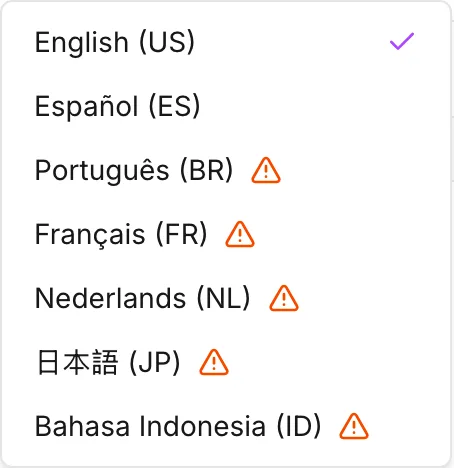
| Language | Status |
|---|---|
| English (US) | Complete |
| Español (ES) | Complete |
| Português (BR) | Beta |
| Français (FR) | Beta |
| Nederlands (NL) | Beta |
| 日本語 (JP) | Beta |
| Bahasa Indonesia (ID) | Beta |
If the window is too narrow for the menu bar, the language list moves into the menu behind the button at the top right. See The interface.
What beta means
Section titled “What beta means”When you point at a beta entry, the app shows the reason: This language is in beta. Please try it and contact support if you notice any inaccuracies. While one of the five is active, the welcome dialog repeats it as This language is in beta.
A beta language is incomplete, not broken. English is part of the app, and every other language is a set of overrides on top of English. An untranslated string appears in English, and nothing is ever blank. You get a mixed interface, not a missing one. The translated parts are the parts that were reviewed.
How the app picks a language
Section titled “How the app picks a language”On your first visit, the app reads the language of your browser. If that
language matches one of the seven, by exact code or by region, the app uses it.
For example, fr-CA selects Français. If there is no match, the app starts in
English.
After that, the app remembers your choice. When you are signed out, the app keeps the choice in the browser. A different browser, or a private window, then starts from the browser language again. When you are signed in, the app stores the choice on your account. The choice then follows you to every browser that you sign in from.
Numbers
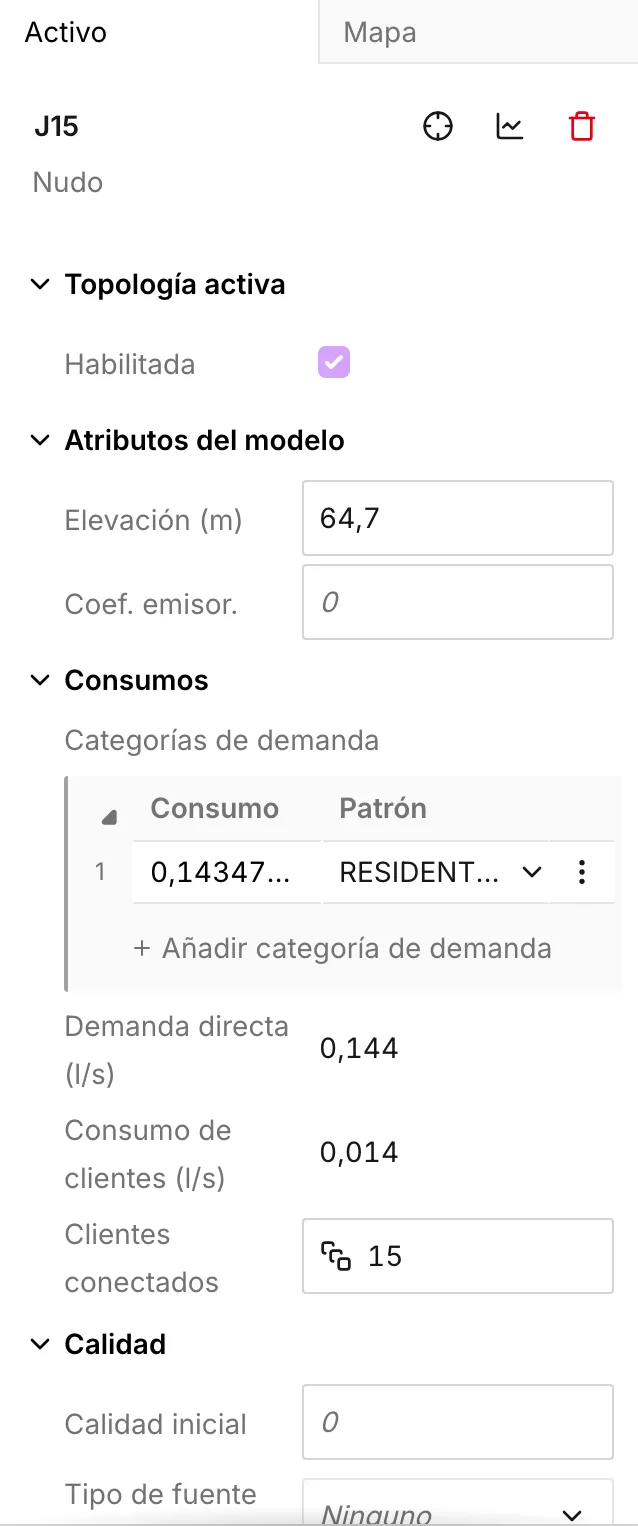
Section titled “Numbers”The app shows numbers with the decimal and grouping symbols of the language you are in. It reads the numbers that you type in the same way.
| Language | Decimal | Thousands | A million and a half |
|---|---|---|---|
| English (US), 日本語 (JP) | . |
, |
1,500,000 |
| Español (ES), Português (BR), Nederlands (NL), Bahasa Indonesia (ID) | , |
. |
1.500.000 |
| Français (FR) | , |
a space | 1 500 000 |
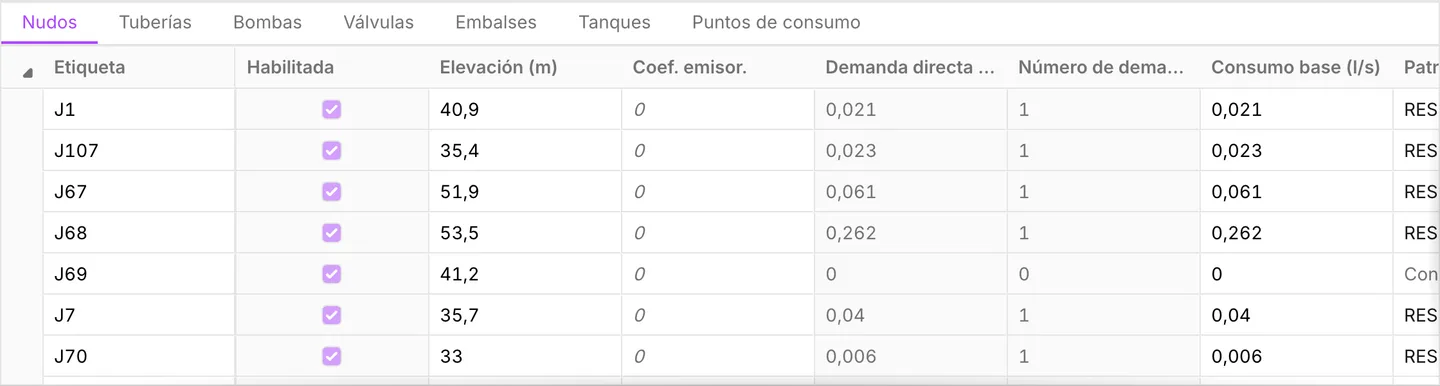
The app rejects a value that is written the other way round, and it does not
misread the value. In Español, 1.5 is not one and a half. The full stop is a
thousands separator, and 5 is not a group of three. The field marks the value
as an error and does not commit it. Type 1,5 instead.
For a value of more than a hundred million, or less than a thousandth, the app uses scientific notation. The decimal symbol stays the same.
The same rules apply everywhere the app shows a number or you type one:
- The Asset tab
- The data tables
- The symbology breaks
- The patterns and curves editors
What is not translated
Section titled “What is not translated”The app translates the interface. It does not translate your model, and it does not translate the output of the engine.
- Asset labels, custom attribute names, pattern and curve ids, and zone names are your data. The app stores and exports them exactly as you typed them. See Custom attributes.
- The simulation report is the output of the EPANET engine. Its headings and its error and warning text stay in English for every interface language. See The simulation report.
- Files carry no language. An exported
.inpfile uses the section names of EPANET, and a project file stores no language setting. When you open the same project in another language, its contents do not change. See Import and export and Projects.
- The interface — where the Language menu sits.
- Keyboard shortcuts — translated with the rest of the interface, but the keys are the same in every language.