
The simulation report
The report is EPANET’s own text output from the last run. The app shows it as the engine wrote it. It is the only place that explains a warning. When a run produces no results at all, the report is the only thing the run leaves behind.
Nothing on the map, in the panels or in the status bar says why a run came back with warnings. See Running a simulation for the outcomes themselves. See Simulation settings for the options behind them.
Opening it
Section titled “Opening it”View report in the toolbar opens Simulation report, and so does Alt+R. Both do nothing until a run happens. While the status bar reads Ready to run, the button is grayed and the shortcut does nothing. The status bar also reads Ready to run immediately after you open a project, because a project does not save results.
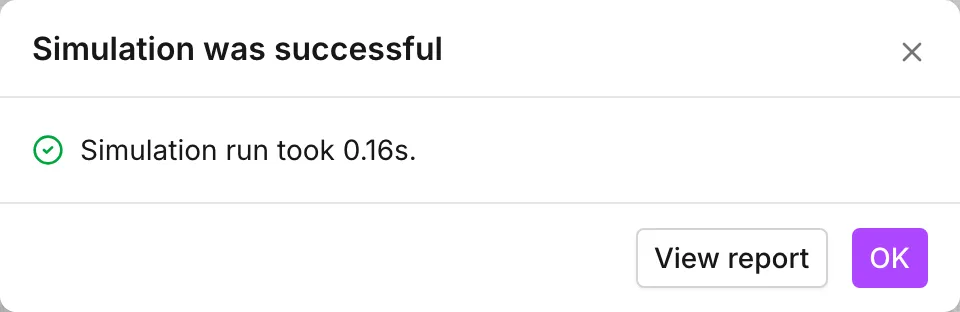
Every dialog that ends a run offers the report too, and three of the four put it first. Simulation with warnings, Simulation with errors and Simulation stopped lead with View report. Simulation was successful puts it second, behind OK. Out of memory and Couldn’t save results lead with it too, which is the point. The report survives even when the results do not.
An edit after a run does not take the report away. The status bar changes to Simulation outdated. The report stays available, and it stays the report of the run that produced it, until you run again.
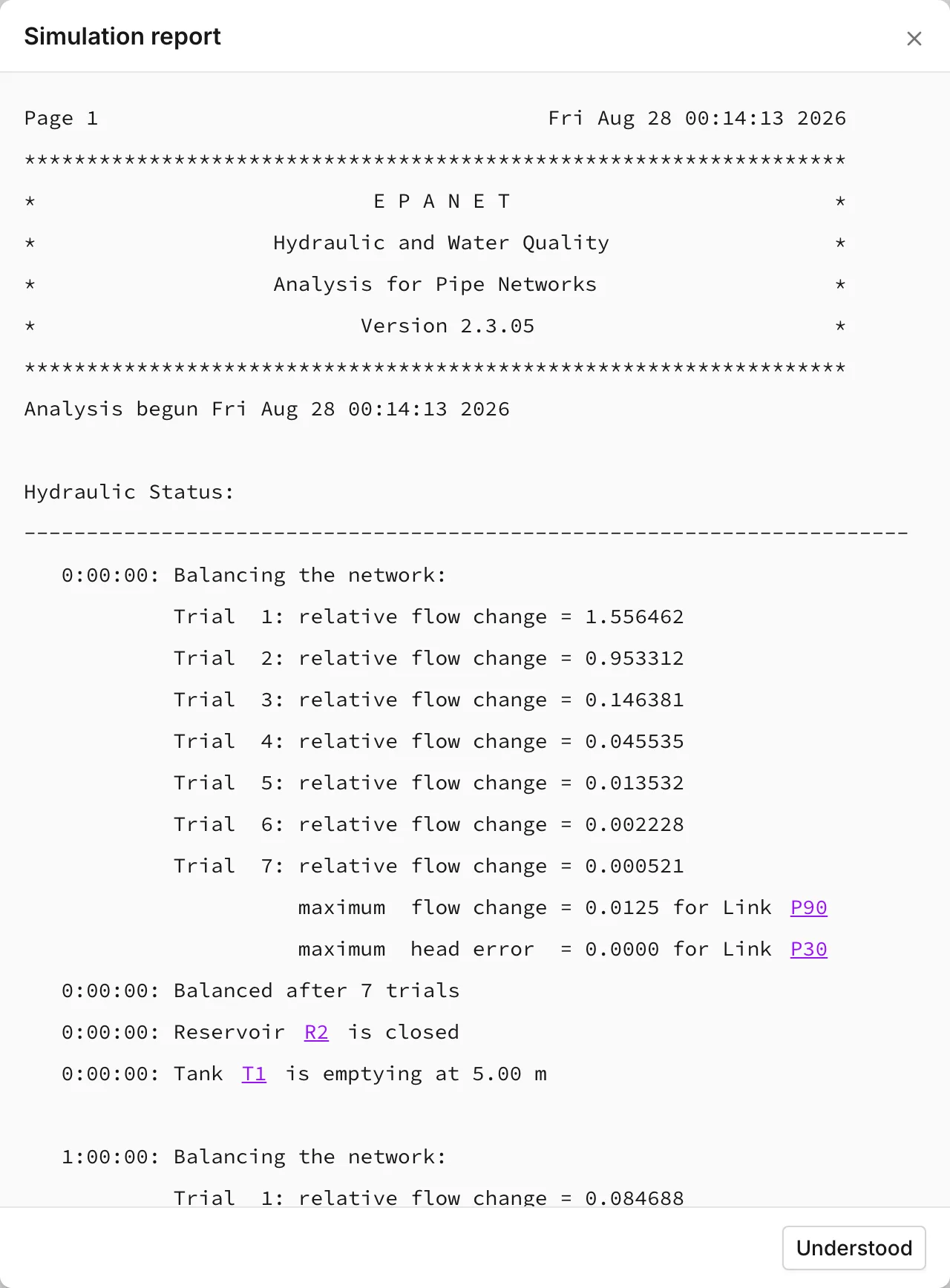
Understood closes the dialog. The dialog has no download, print or copy action. The report is text on the page. The only way to keep it is to select that text and copy it out.
How much it contains
Section titled “How much it contains”One setting decides the length of a report. It is Status report, in the General section of Simulation settings.
| Status report | What the run writes |
|---|---|
| No | No status report at all |
| Yes | Every network component that changes status in each timestep of the run |
| Full | The same, plus the detail of each hydraulic trial |
New projects and models built from GIS start at Yes. Both demo networks are saved at Full. Full on a long extended period run produces a very long report.
Errors and warnings are not part of the status report. They do not depend on that setting. Whatever Status report is set to, the app searches the report text for a warning. That search decides whether a finished run is Simulation was successful or Simulation with warnings. A run that warns always says so in its report.
Two things the report does not carry:
- Results. The app switches off the summary tables that EPANET can print, so the report never lists node pressures or link flows. You read results from the panels, the tables, the map and the graphs. See Reading results.
- Energy, unless you ask for it. Report energy usage in the Energy section of Simulation settings adds a summary of energy and cost for each pump. This option is off by default. See Energy.
The asset labels are links
Section titled “The asset labels are links”The app hands an input file to the engine. That file identifies every asset by an internal number, not by the label you gave it, so EPANET writes its report in those numbers. The dialog puts your labels back. Each label is a link. A click on a link selects that asset, flies the map to it and closes the report.
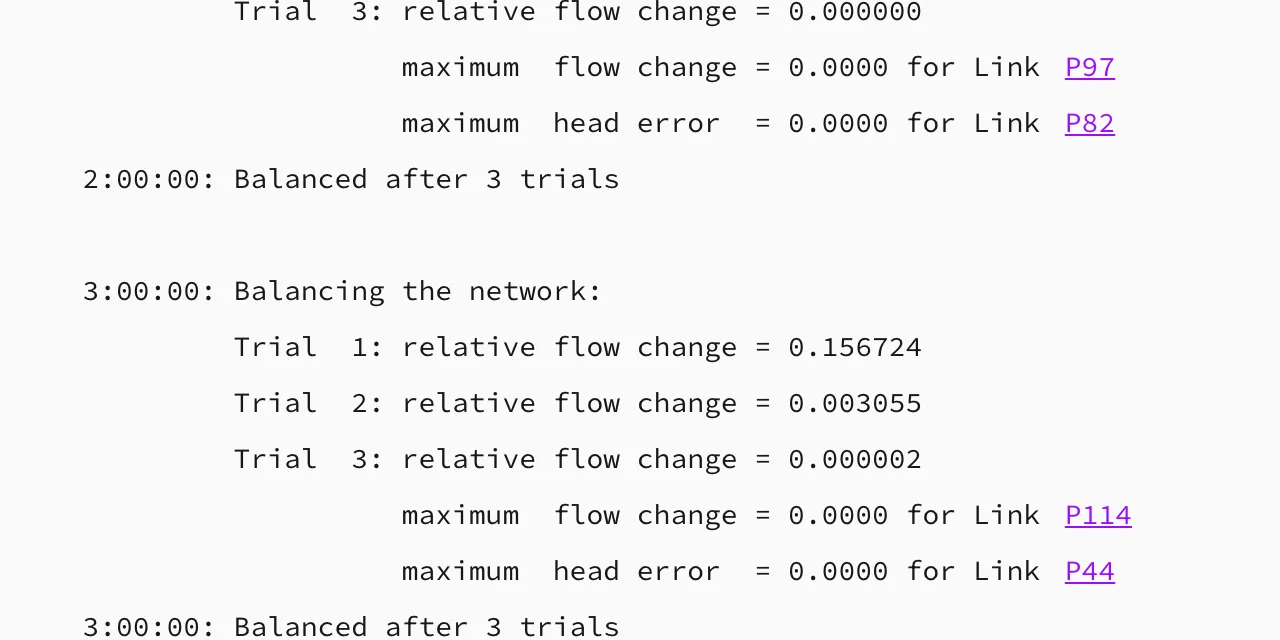
This is what makes a warning actionable. One line names an asset:
WARNING: Node J15 disconnected at 0:00:00 hrs
One click takes you from that name to the junction on the map.
Only the numbers that the app can match to an asset become links. Some numbers are part of the message and not a reference to something in your model. A rule number, a line number, a trial count and an option value all stay plain text. A reference to an asset that the model no longer holds also stays plain text.
Reading it
Section titled “Reading it”Lines come in three shapes. It is useful to know which shape you read:
- Errors name something that the engine cannot accept, and they usually mean that there are no results. Each error carries an EPANET error number, and the EPANET manual lists these numbers. The pre-run checks catch some of these faults before the run starts. See Network review.
- Warnings mean that the run finished and produced a full set of results. But
something in that set needs a look before you trust it. Examples are a system
that did not balance and a node with no supply. Another example is a pump or
valve that cannot deliver what you asked it for.
PRV V1 open but cannot deliver pressureis the shape of it. - Status lines are how the run describes itself, at the detail that
Status report asks for. One example is
0:00:00: Reservoir R2 is closed. At Full, each trial adds a line such asmaximum flow change = 0.0001 for Link P56. Status lines are not faults. They tell you when a control fired, when a pump started, and when a tank stopped filling.
A Simulation with warnings is not a failed run, and its results are a full set. You read the warnings to decide whether they need an action. The EPANET manual gives the meaning of each EPANET warning. For a warning about convergence, the answer is usually in the Hydraulics section of Simulation settings.
In a scenario
Section titled “In a scenario”The report belongs to the branch that produced it, in the same way results do. When you switch branches, the report switches with them. A branch with no run has no report. See Scenario work.
- Running a simulation — the four outcomes, and the checks that run before one.
- Simulation settings — Status report, Report energy usage, and the hydraulics options a warning sends you to.
- Reading results — where the numbers are, because they are not here.
- Network review — the faults worth finding before the engine finds them.